Guition JC8012P4A1C_I_W_Y Display for the Weather Station 3.0
IIn this article, I would like to introduce a second variant of the ESP32 Weather Station 3.0, which uses a Guition JC8012P4A1C_I_W_Y display. The specifications of this display are quite similar to those of the Waveshare display.
- SoC: Espressif ESP32-P4 (Dual-Core RISC-V @360 MHz + LP-Core @40 MHz)
- Co-processor: ESP32-C6 (WiFi 6, Bluetooth 5.4, connected via SDIO)
- Memory: 32 MB PSRAM, 16 MB Flash
- Display: DSI 10.1-inch, IPS panel with 800 x 1280 pixels, JD9365 driver chip
- Camera: Directly integrated into the display
- Audio: ES8311 Codec, NS4150 Class-D amplifier
- Interfaces:
- 3x USB Type-C
- UART, speaker, battery, I²C
- GPIO header
- Power supply: USB-C
I don't know whether the Guition JC8012P4A1C_I_W_Y is still considered one of the so-called Cheap Yellow Displays (CYD) or if that term only refers to the smaller displays. In April 2025, it still cost just under 40 euros on AliExpress, but the price has since risen to over 60 euros.
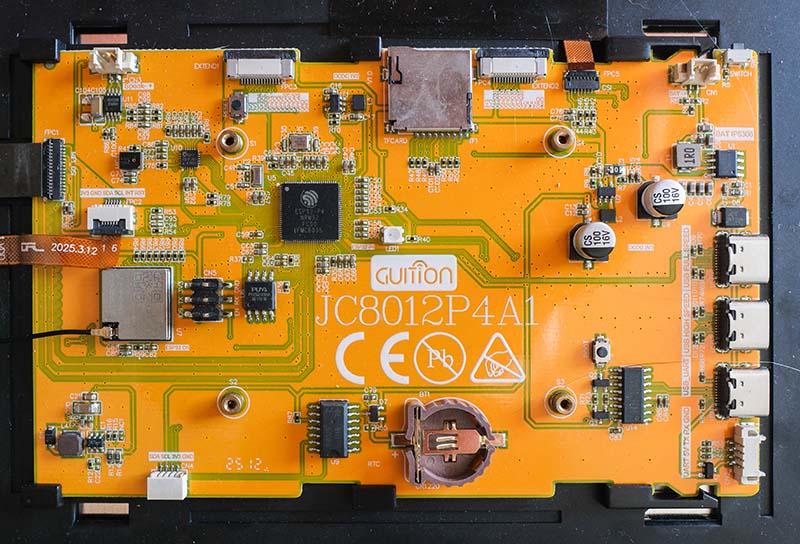
Since the JC8012P4A1C_I_W_Y has a resolution of 800 x 1280 pixels and an I2C connector is present on the board, it meets all the requirements necessary for the weather station. Only the display driver needs to be adapted for the Guition display, and a suitable case has to be designed.
Differences between the Guition JC8012P4A1C and Waveshare Display
Both boards use a 10.1-inch panel with a JD9365 controller, which is connected via two MIPI-DSI lanes and natively delivers 800 x 1280 pixels in portrait orientation. The JD9365 operates on a page-based register model, where register 0xE0 switches the active page, followed by writing voltages, VCOM, the two gamma curves, and the Gate-In-Panel mapping. This sequence involves several hundred register accesses and differs between the two panels.
The transmission parameters also vary. The Waveshare display runs at 1500 Mbps per lane and an 80 MHz pixel clock, while the Guition display runs at 1000 Mbps and 60 MHz; additionally, the vertical blanking intervals differ. The panel's reset pin is routed to GPIO 27 on the Guition board, whereas it is unconnected (not wired) on the Waveshare board.
Another difference is the brightness control. Waveshare controls the backlight via a dedicated I²C chip at address 0x45, which, after two activation commands, receives the brightness value in register 0x96. Guition controls the lighting via an LEDC PWM channel on GPIO 23. Since the LEDC channel is configured with an 8-bit resolution, it results in the same value range of 0 to 255 as on the Waveshare board.
The biggest difference lies in the touch controller. While there is a ready-to-use Espressif driver for the GT911 used by Waveshare, there is none for the Guition's GSL3680. This chip does not have its own flash memory. Its firmware resides in the ESP32-P4's flash as a 4,587-entry array and is written to the chip via the I²C interface at every boot. Afterward, the driver checks a status register to verify if the controller has started.
The weather station's firmware encapsulates both variants behind a common interface consisting of initialization, display handle, and brightness. Which implementation is compiled is determined by an option in menuconfig, and the build process generates a separate binary for each board.
Case for the Guition JC8012P4A1C
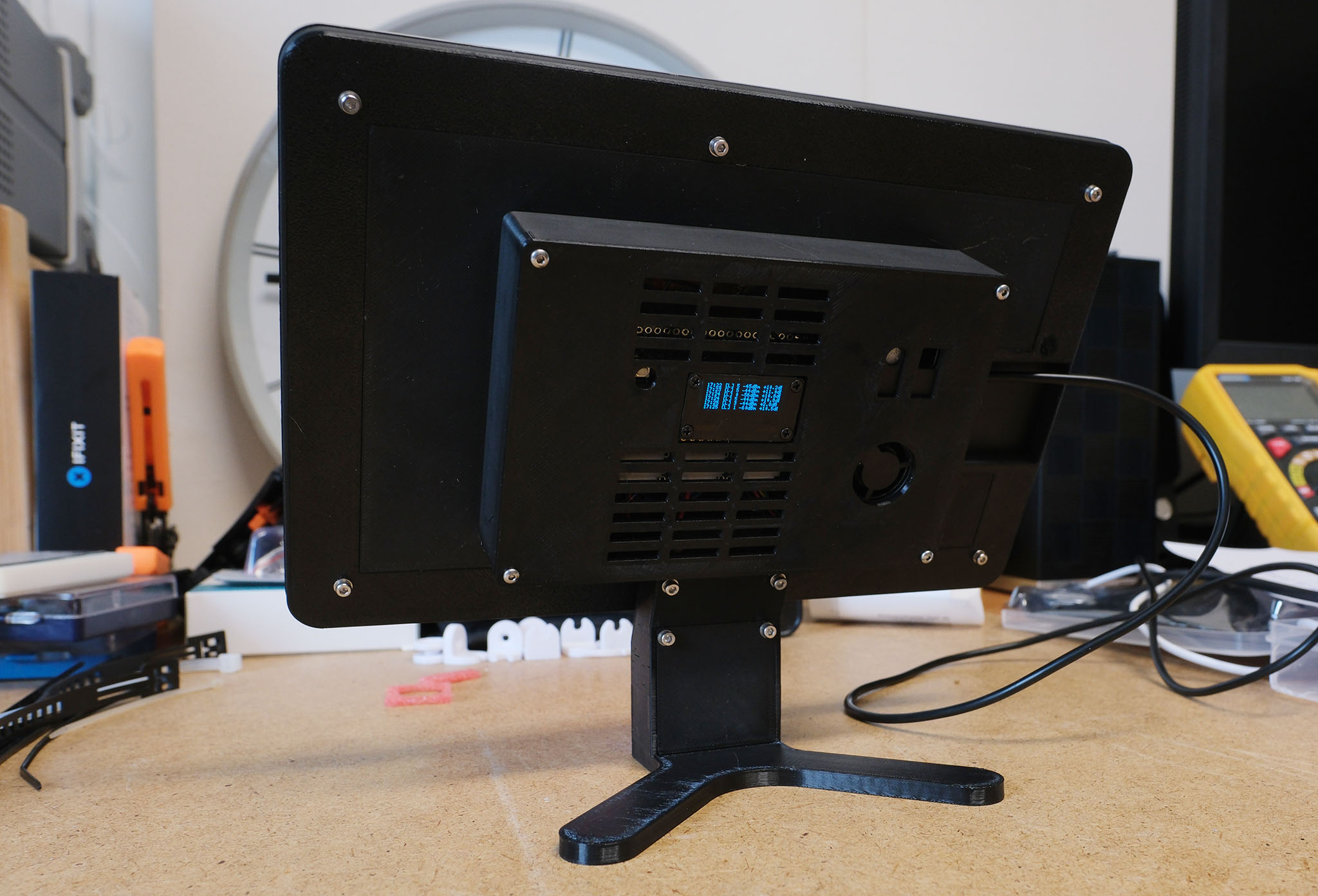
Even though both displays have a 10.1-inch diagonal, their mechanical design differs significantly. Therefore, I had to completely redesign the case for the Guition display. Just like the Waveshare version, it consists of four parts: the display frame, the main display body, the back cover, and the base. The base was carried over unchanged from the Waveshare variant and is assembled in the exact same way.
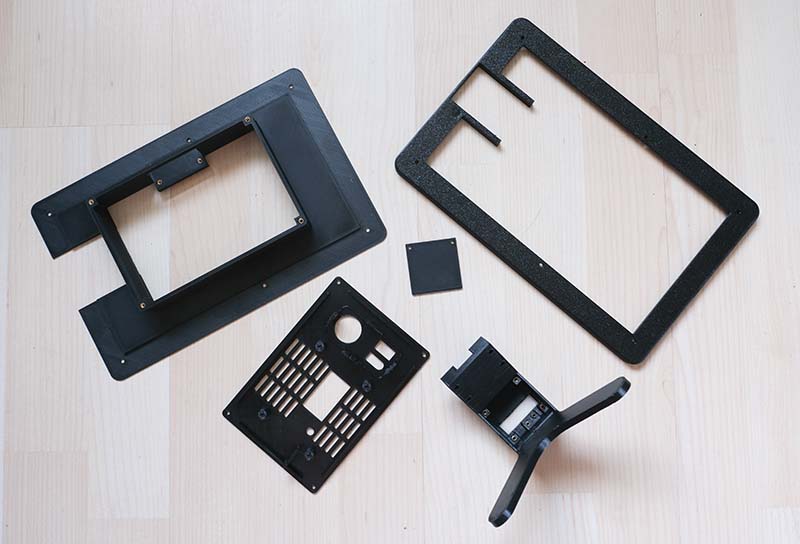
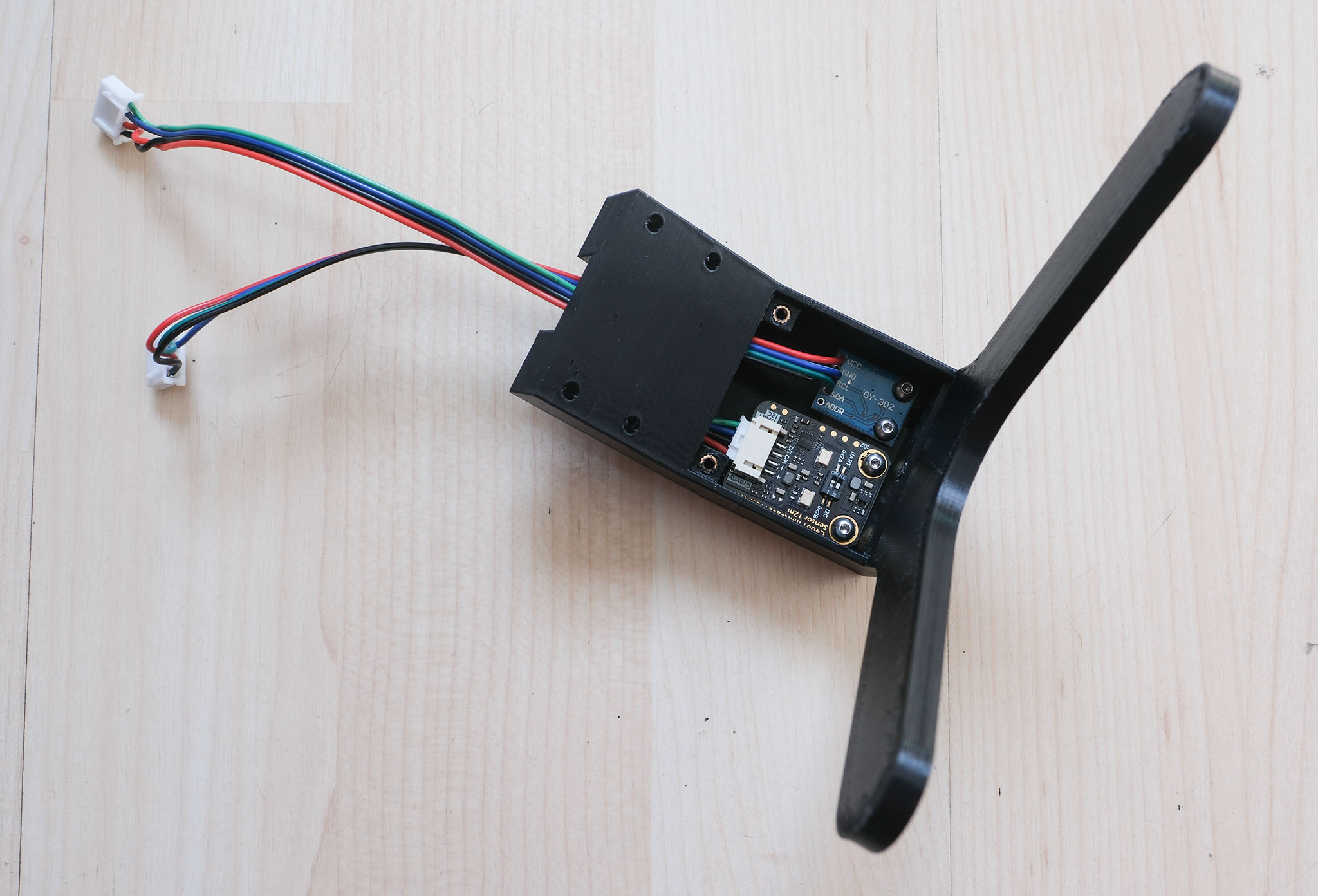
The other three parts follow the same concept but are adapted to the dimensions and layout of the Guition board. One difference involves the receiver board. On the Waveshare display, it is plugged directly into the microcontroller board; on the Guition variant, it is screwed to the back cover along with the SEN66.
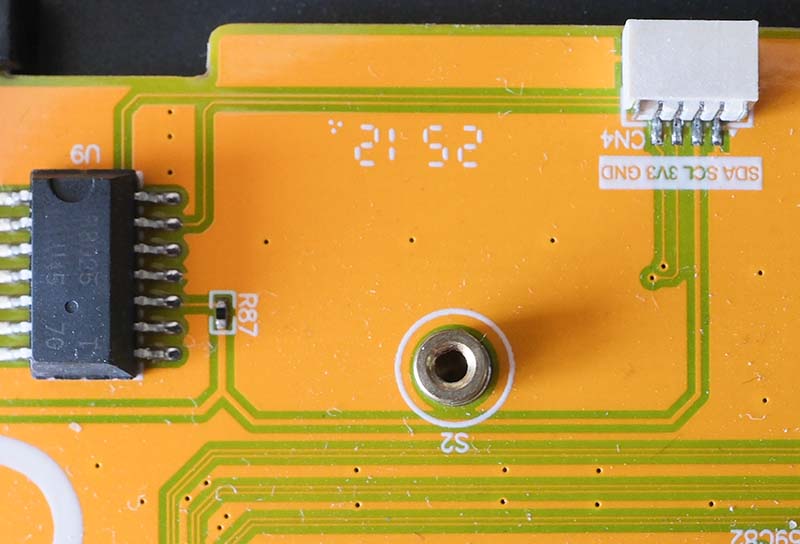
Before connecting the sensors, you should take a close look at the I²C connector. On the board, the pinout is labeled as SDA, SCL, 3V3, and GND, but the actual order is mirrored exactly: GND, 3V3, SCL, SDA. Anyone relying on the silkscreen print will swap power and ground, risking damage to the connected sensors.
I used a very old filament for the 3D print, so the result unfortunately didn't turn out particularly pretty. To be honest, this version isn't that important to me anyway, as it was just an attempt to build a second weather station from my spare parts.
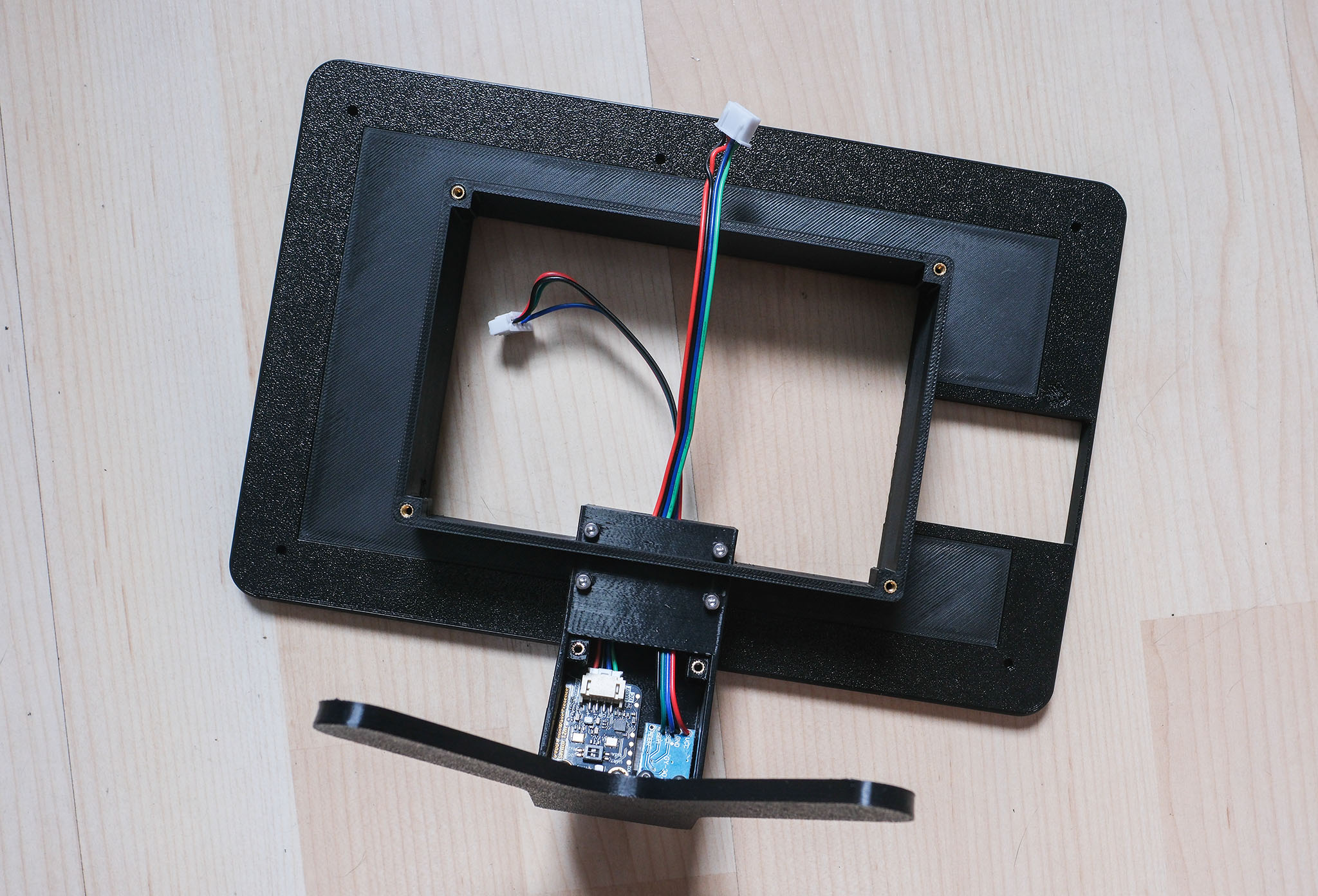
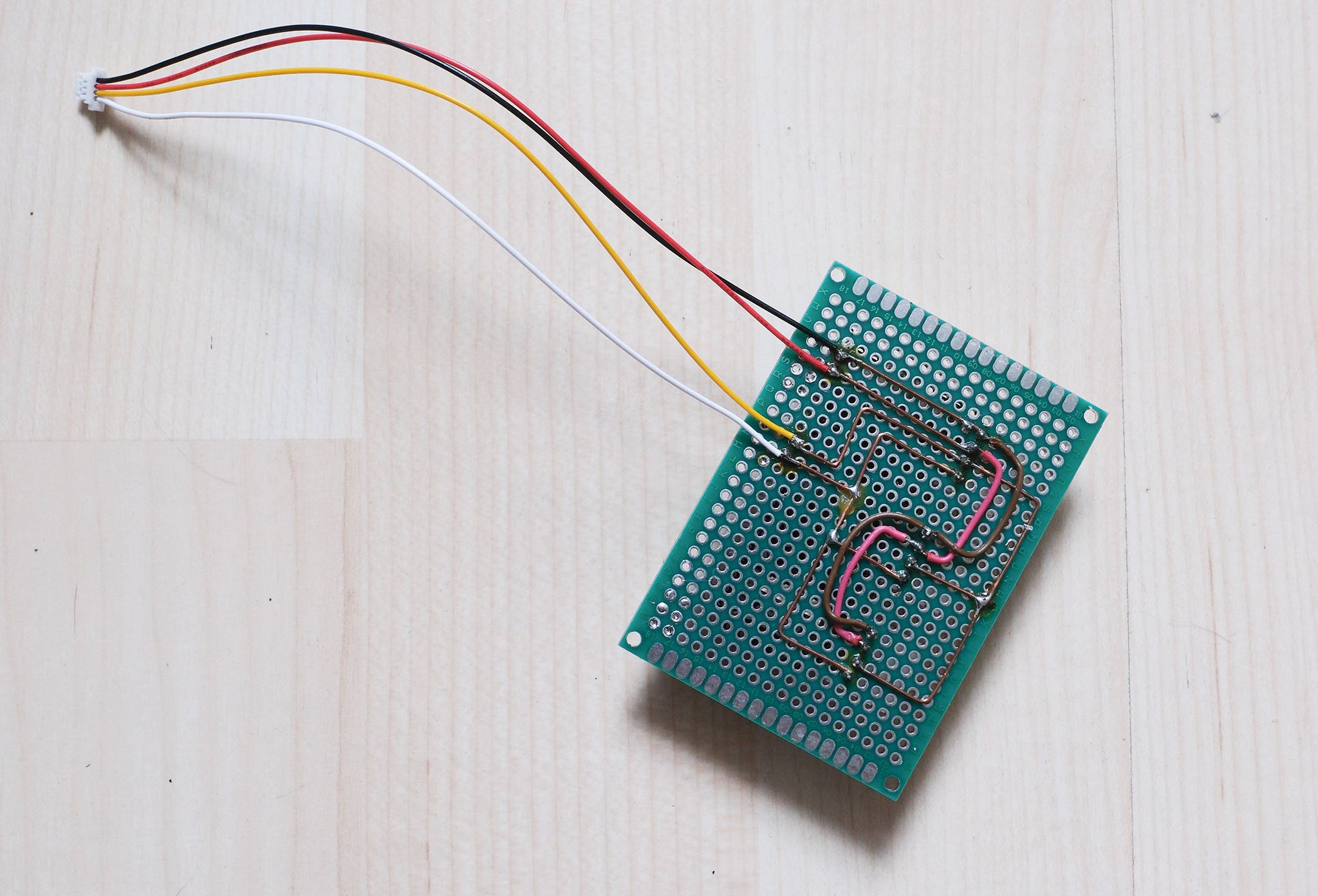
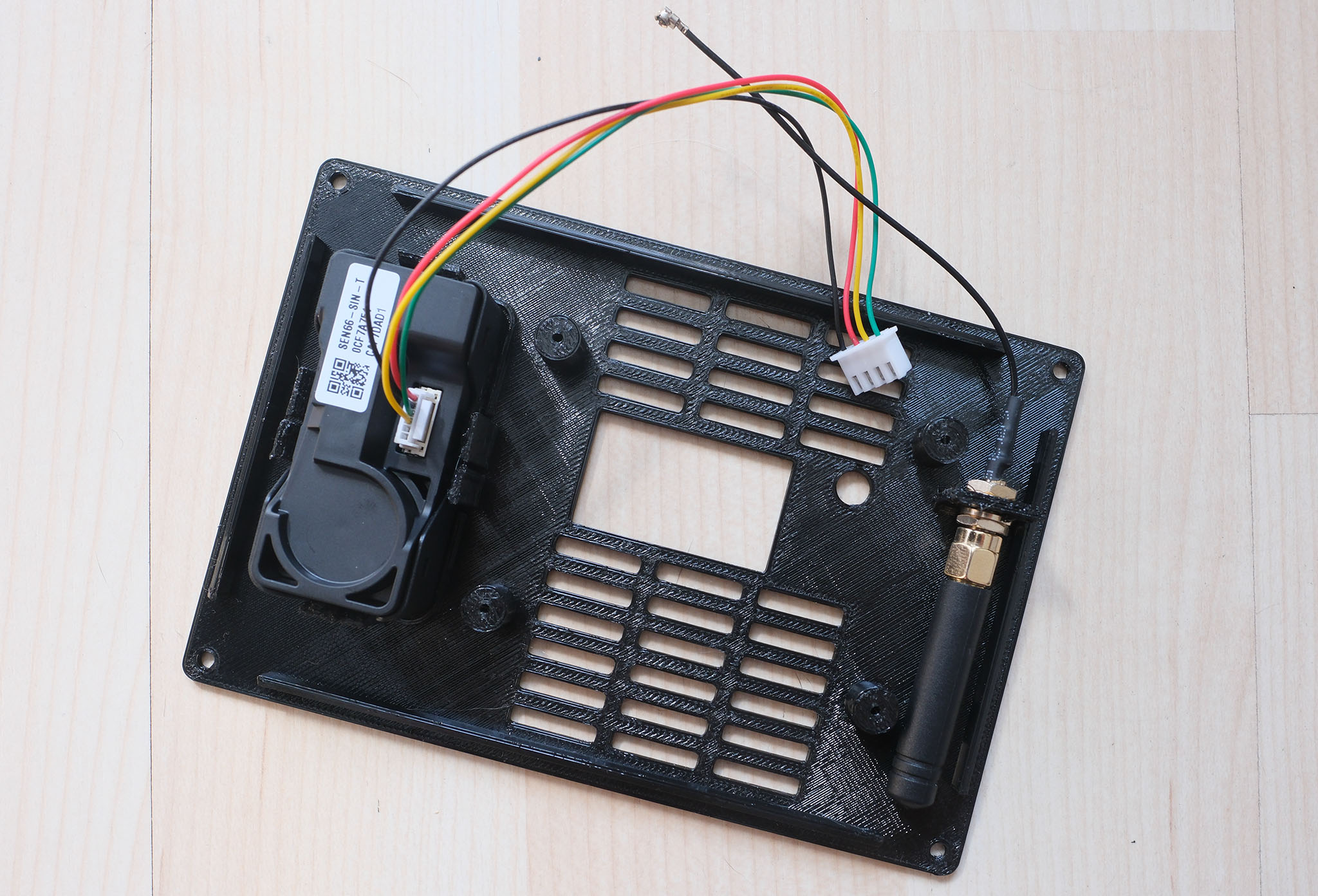
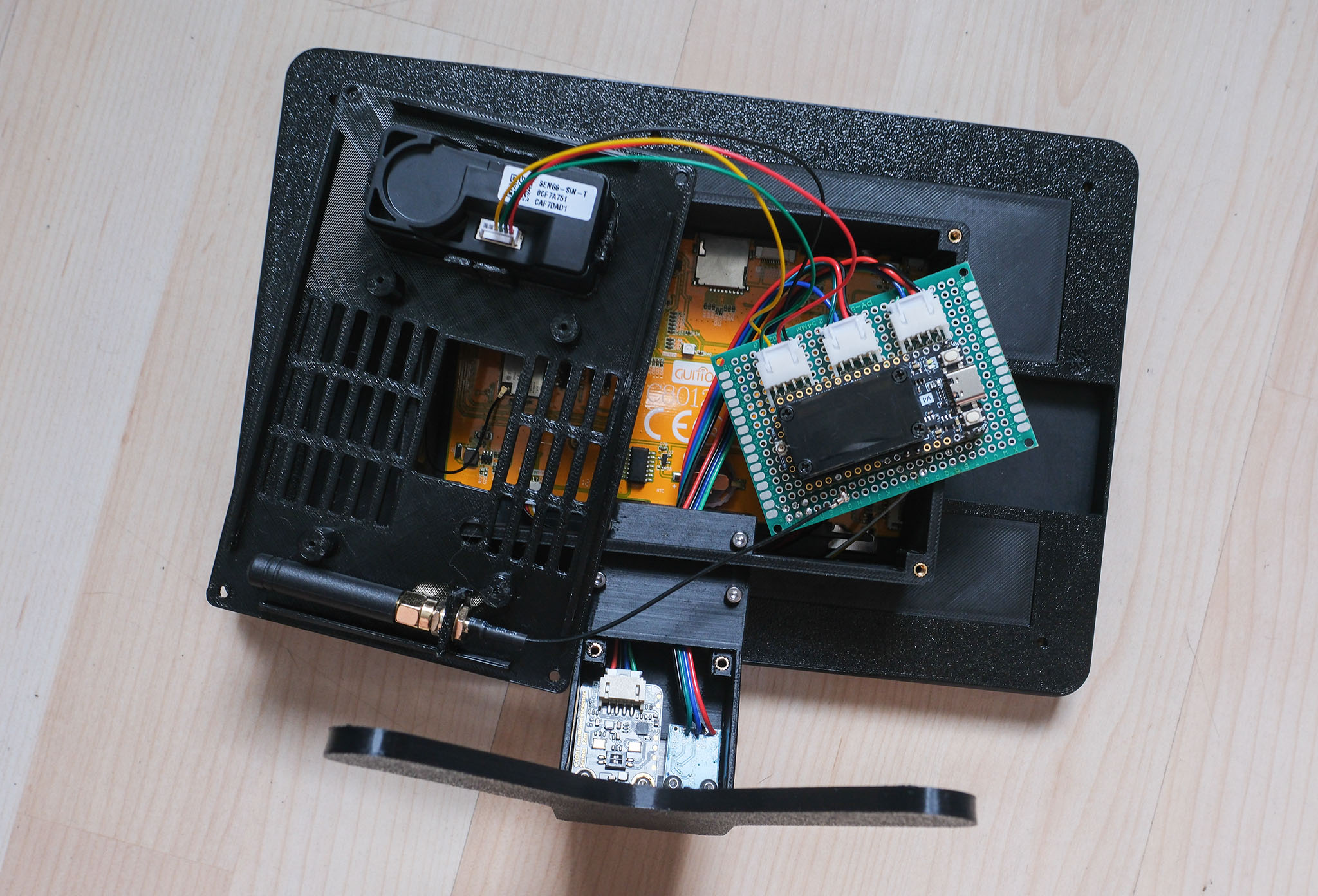
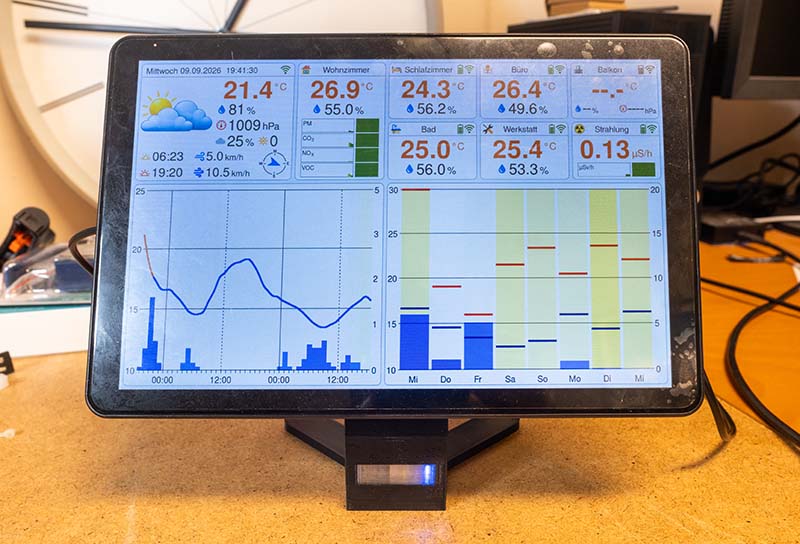
And this is what the weather station looks like with the Guition display. Basically, it works, although the contrast of the Waveshare display is significantly higher in direct comparison. I also prefer the warmer colors of the Waveshare display.
To ensure that OTA updates work for both types, I had to adjust the GitHub Action so that a separate firmware is now built for each display.
This completes this variant, although I'm not sure if there's still an issue. During the test phase, the power was supplied via a Raspberry Pi, and every few days the ESP32-P4 restarted with the message "Brownout detector was triggered". At the moment, it's not clear to me whether this is due to the Raspberry Pi or if the 3.3-volt supply on the board is actually too weak. Until this is resolved, I recommend the Waveshare variant, where this problem has never occurred.
In the GitHub repository, you will find the updated source code, which now supports both displays, as well as the design files for the Guition case.